$ GameGalleryBuddy
GameGalleryBuddy turns your board game collection into a wallpaper. Just enter your BoardGameGeek username and customize the layout: choose cover size, show or hide names, shuffle the order, and more.
Requires a tiny bit of dev experience to run locally, but everything is explained in the README file.

Screenshots
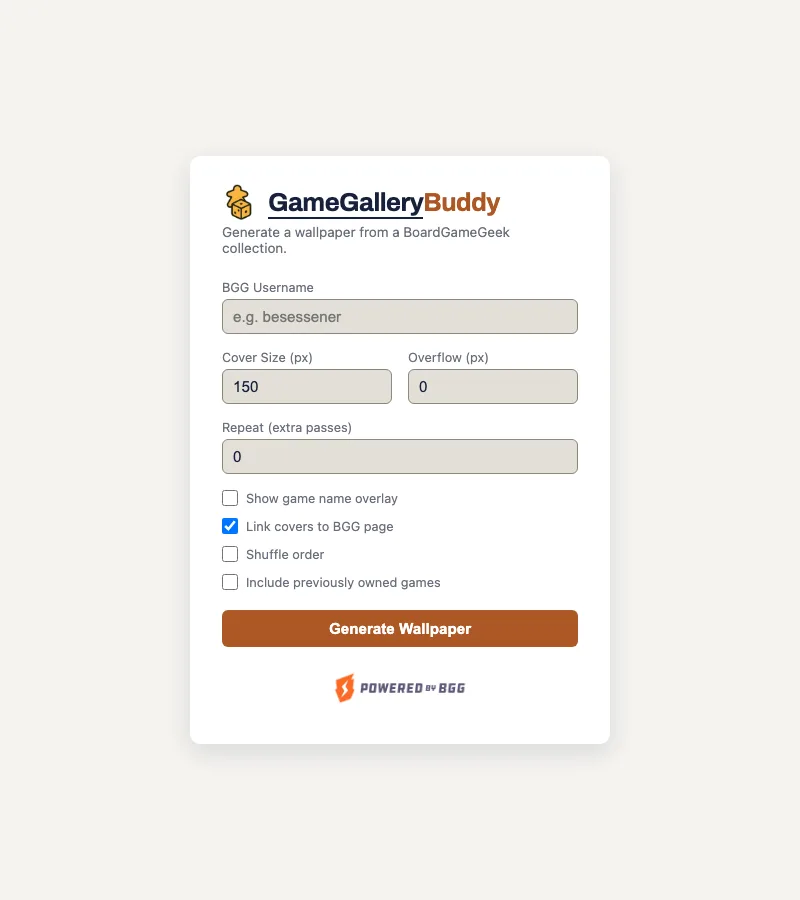
Collection Form
Enter a BoardGameGeek username and dial in cover size, overflow, and repeat passes. Toggle name overlays, BGG links, shuffle order, and whether to include previously owned games. Every option doubles as a /collection query parameter, so a specific look can be bookmarked or shared directly.
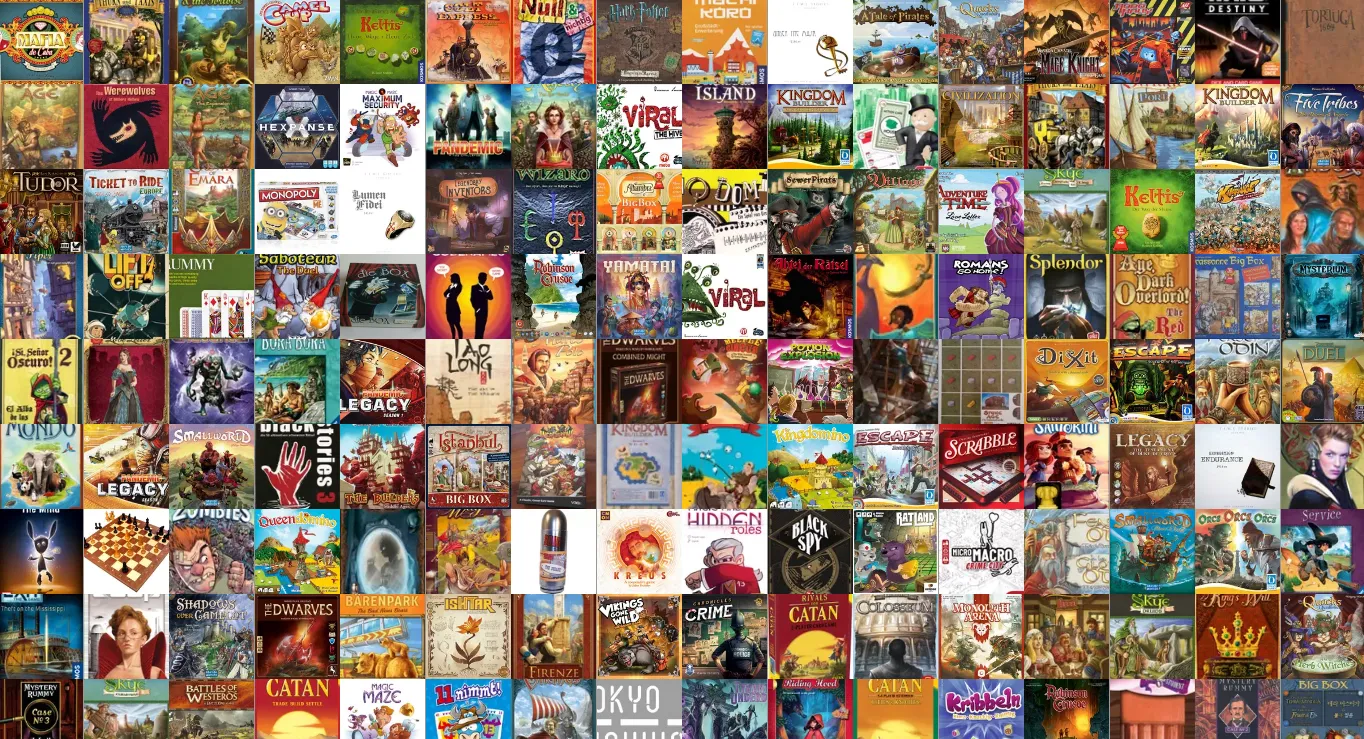
Generated Wallpaper
Every game in the collection tiled edge-to-edge into a single wallpaper. Hover the top-right corner on this page to reveal a settings icon and tweak the same options in place, or head back to the start page for a different username.